
Settings tour
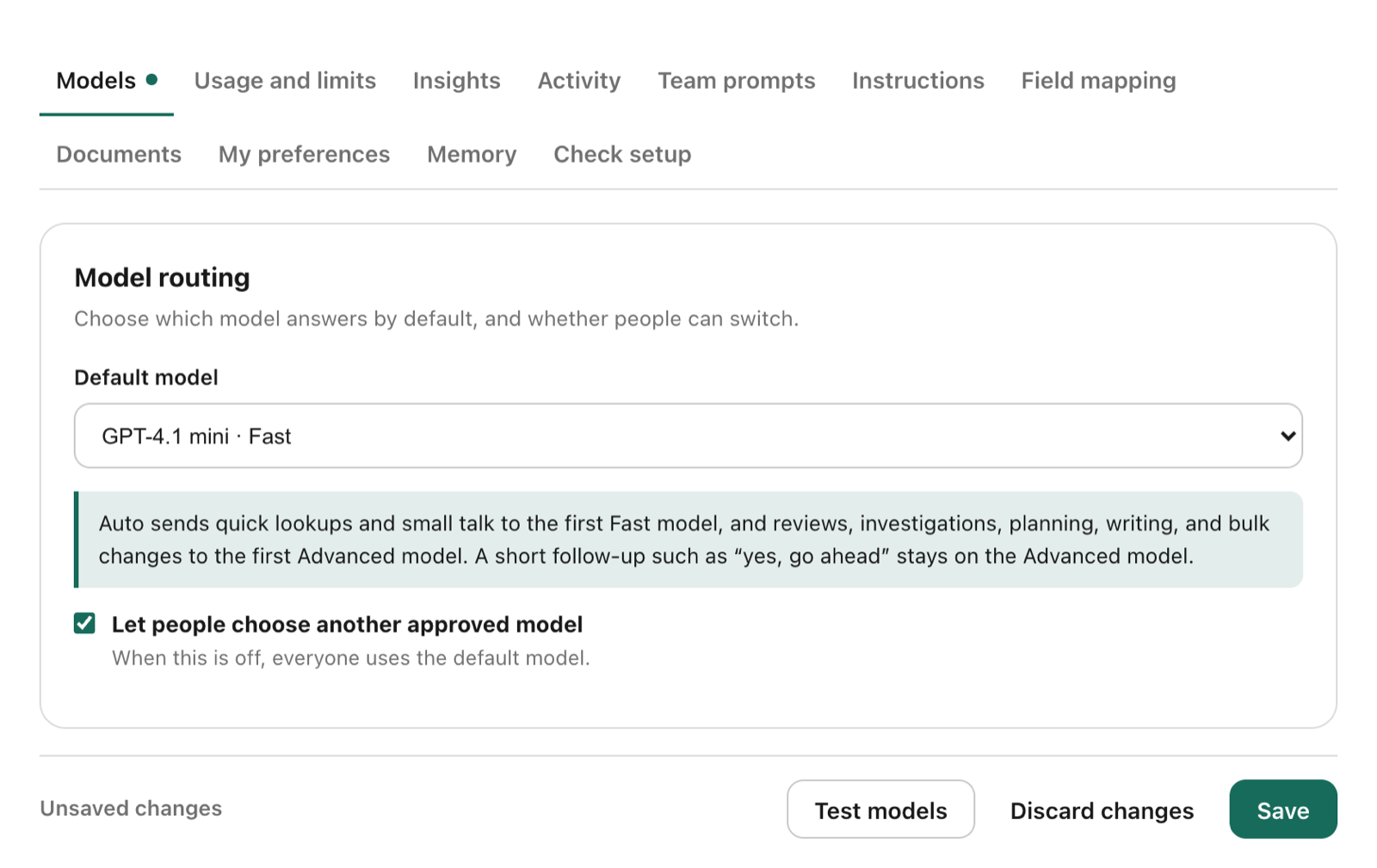
A Project Administrator or StrideAI manager sets StrideAI up once for the whole project under Project settings → StrideAI. Each tab saves on its own, so a change in one tab never overwrites another, even when two administrators edit at the same time. A dot shows which tabs have unsaved changes.
| Tab | What it does | Details |
|---|---|---|
| Models | Connections, approved models, Fast/Advanced, default and Auto routing, who may switch | Models and routing |
| Subscription & credits | Activate organization, plan tile, credits, top-ups, billing portal, key rotation | Activate, Seats and budgets |
| Plan | Server-enforced project controls: paid access, allowed hosted models, hard monthly cap; publisher feature policies | Project controls, Free, Premium and Disabled |
| Usage and limits | Answers, tokens and cost per model and person; monthly limits per person and team; requests for more | Usage, limits and requests |
| Insights | Spend, forecast, budget alerts, adoption, impact, monthly report | Insights |
| Activity | Every approved change with who, when and links; CSV export | Activity log |
| Features | Switch areas and role packs on or off for the project | Features switch |
| Safety | Who may approve which kind of change, confirmation words, hourly limits, secret rules | Safety and approvals |
| Team prompts | The prompt library with categories and pins; usage per prompt | Team prompt library |
| Instructions | General instructions and instructions per work item type | Knowledge |
| Knowledge | Reference wiki pages and repository folders; embedding model for wiki search | Knowledge and wiki search |
| Teammates | Teammates and playbooks written in Settings; repository sources | Teammates and duties |
| Backlog health | Built-in lenses on or off; your own lenses | Backlog health |
| Field mapping | Which fields hold dates, prioritization, objectives and risk data | Field mapping |
| Documents | Word templates and their placeholders | Documents and templates |
| My preferences | Personal key, model, language and role (everyone) | |
| Memory | Saved notes and cached project data; clear them | Memory |
| Check setup | Tests the server, the project settings and each model | Requirements and troubleshooting |
Settings are stored as a property of the Azure DevOps project; project members can read them and only administrators and StrideAI managers can change them. Personal preferences live in each person’s private extension data. See Where everything is stored.