
Field mapping
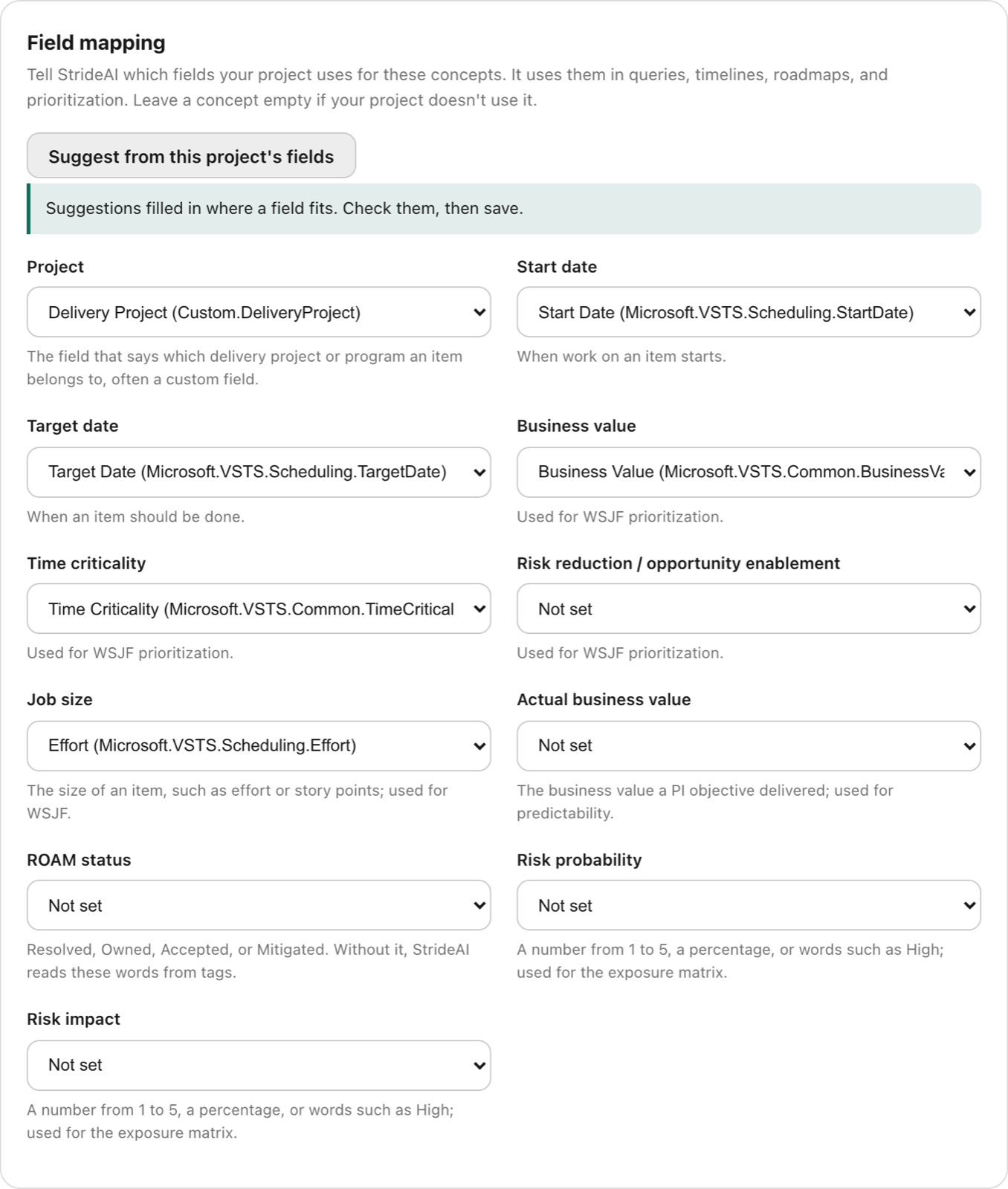
Settings → Field mapping tells StrideAI which fields your project uses for:
- the delivery project,
- start and target dates (timelines, roadmaps, what-if),
- prioritization: business value, time criticality, risk reduction, job size (WSJF),
- the actual business value of PI objectives (predictability),
- the ROAM status, probability and impact of risks,
- optional outcome fields used by the Product Owner pack.
Suggest from this project’s fields fills them in for you to check. StrideAI then uses your fields, including custom ones, when it writes queries, creates or updates items, and draws timelines and roadmaps. Unmapped data stays unknown in reports rather than being guessed.
Timelines use the mapped dates first, then the item’s sprint, then its children’s dates; every bar explains where its dates came from.