Features switch
Too many features? Settings → Features lists every area with a switch and a one-line description. Turn SAFe, planning poker, the security radar or a role pack off and its tools, tiles, Explore entries and cards disappear for everyone in the project; the Studio and Workbench panels have switches too. Chats that already used an area keep their history.
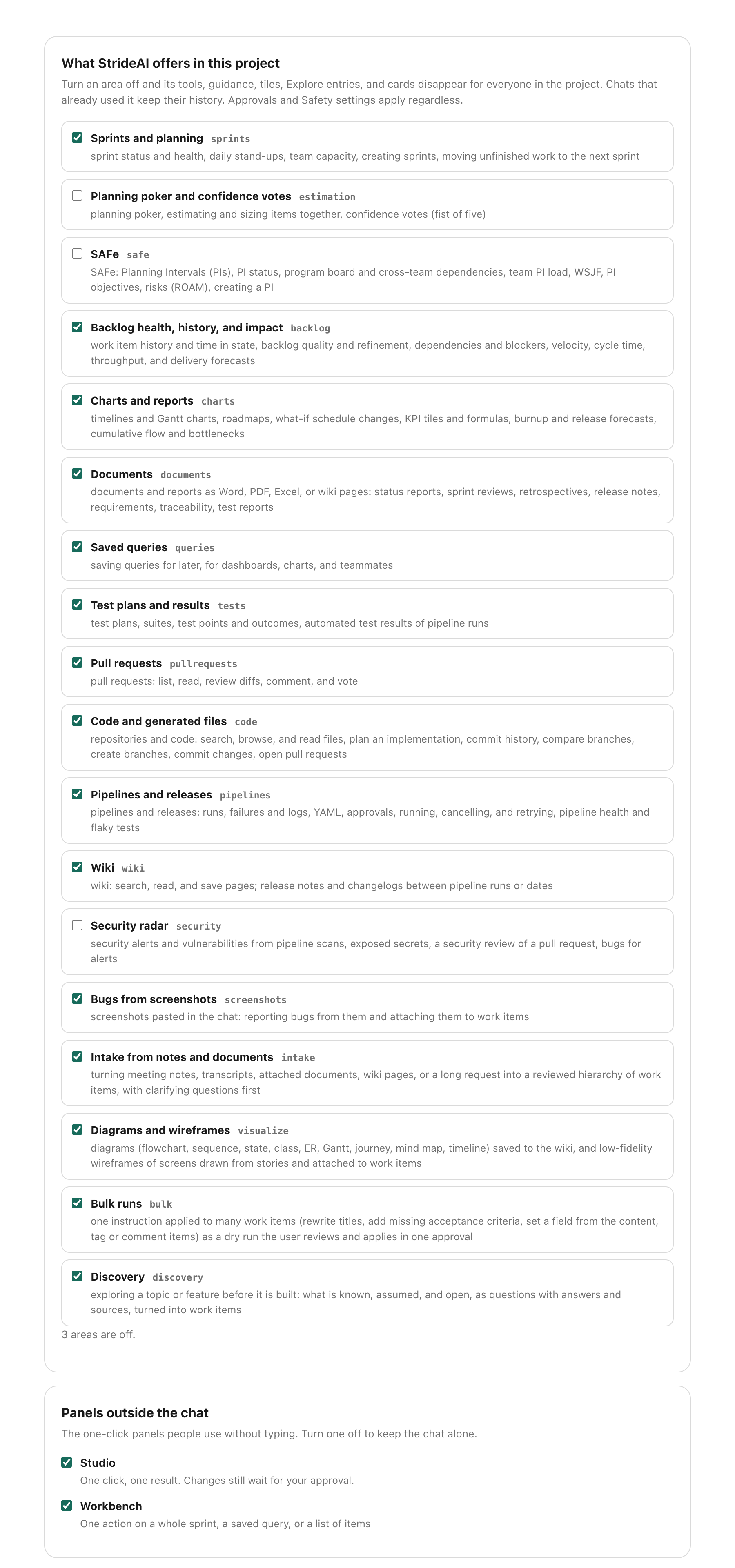
- Each of the seven role packs can be hidden independently; see Free, Premium and Disabled for how this relates to an organization’s Premium or Disabled policies, which a project switch can never override.
- A local hosted-model visibility switch hides StrideAI Models from pickers; it cannot bypass platform policy or credit checks.
- Switches are per project and saved from their own tab.